Google Calendar Integration
Connect your Google Calendar to Allios to sync events, automate scheduling, create team calendars, and display availability across tenant apps. We follow a minimum-permission principle and request only the scopes required for each feature. :contentReference[oaicite:0]{index=0}
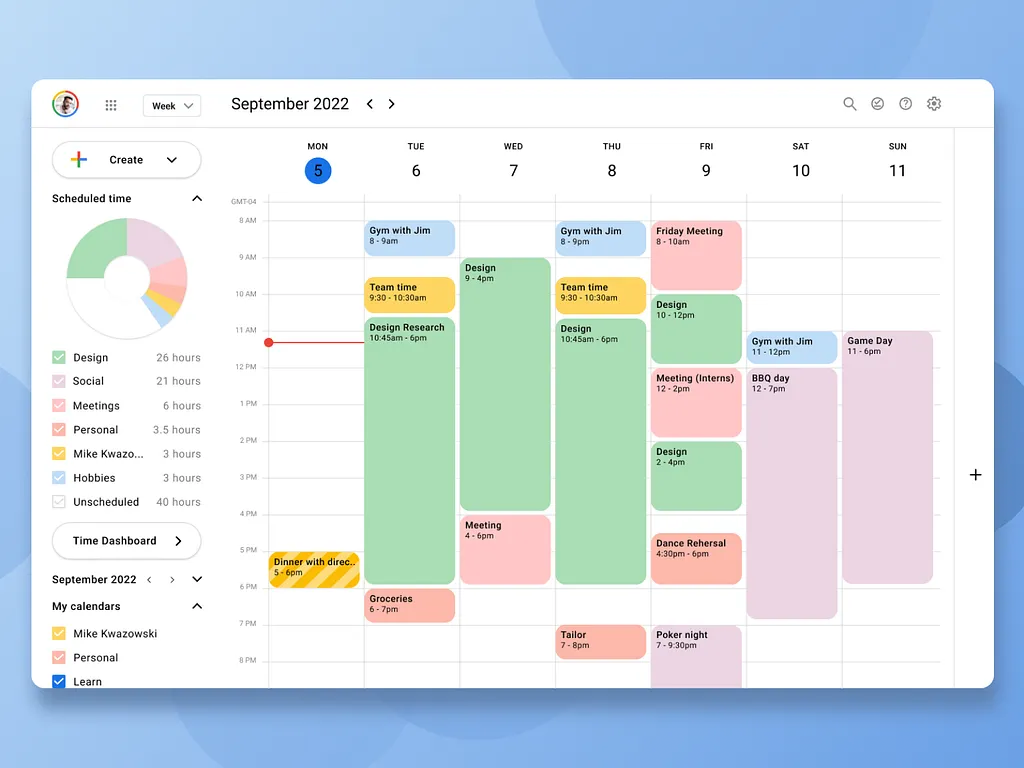
What Allios can do with Google Calendar
- Two-way sync of events between Allios bookings and user calendars.
- Create or update events for appointments, meetings, and reminders on behalf of consenting users.
- Share tenant-level team calendars and availability views for scheduling across staff and services.
- Read-only calendars for importing availability or showing public calendars in the UI.
Recommended OAuth scopes
Allios will request the smallest scope necessary for the feature you enable. Typical scopes include:
https://www.googleapis.com/auth/calendar.events— create, modify and delete events on calendars the user has granted access to (use for booking/create event flows).https://www.googleapis.com/auth/calendar.events.readonly— read event details without write access (use for import/availability views).https://www.googleapis.com/auth/calendar.readonly— list and read calendar metadata and events (broader read-only access).https://www.googleapis.com/auth/calendar— full calendar access (only requested with explicit justification; sensitive). :contentReference[oaicite:1]{index=1}
Typical connect flow
- User clicks Connect Google Calendar and is redirected to Google's OAuth consent screen.
- User reviews the scopes requested and consents to share calendar data with Allios.
- Allios receives an access token (and refresh token if requested) which is stored encrypted for backend operations.
- Allios synchronizes events or performs actions only within the scope granted by the token.
Security & data handling
- Tokens (access and refresh) are encrypted at rest and rotated as per our security policy.
- Calendar event data we store is retained only as long as needed to provide features; retention is configurable per tenant.
- All API calls use TLS; server-to-server calls use service accounts or OAuth tokens with least privilege.
- Users can request export or deletion of any calendar data Allios stores; we provide tenant admins with audit logs for calendar syncs.
User controls & revocation
Users can revoke Allios access from their Google account. Steps:
- Open Google Account > Security > Third-party apps with account access.
- Select Allios and click Remove Access.
- Optionally notify your tenant admin to reconfigure any shared calendar integrations.
Suggested OAuth consent wording
Application name: Allios
Short description (consent screen): Allow Allios to view and manage events in your Google Calendar to enable bookings, reminders and team scheduling.
Why we request these scopes: We need calendar.events to create and manage events created through Allios, and calendar.readonly to display your availability without modifying your calendar. We will never modify calendars without your explicit consent.