Google Gmail Integration
Seamlessly send, receive, archive and search Gmail messages directly through Allios. Eliminate context-switching and streamline your communication workflows.
These features mirror what Allios does for Google Drive but with email communication instead of file operations.
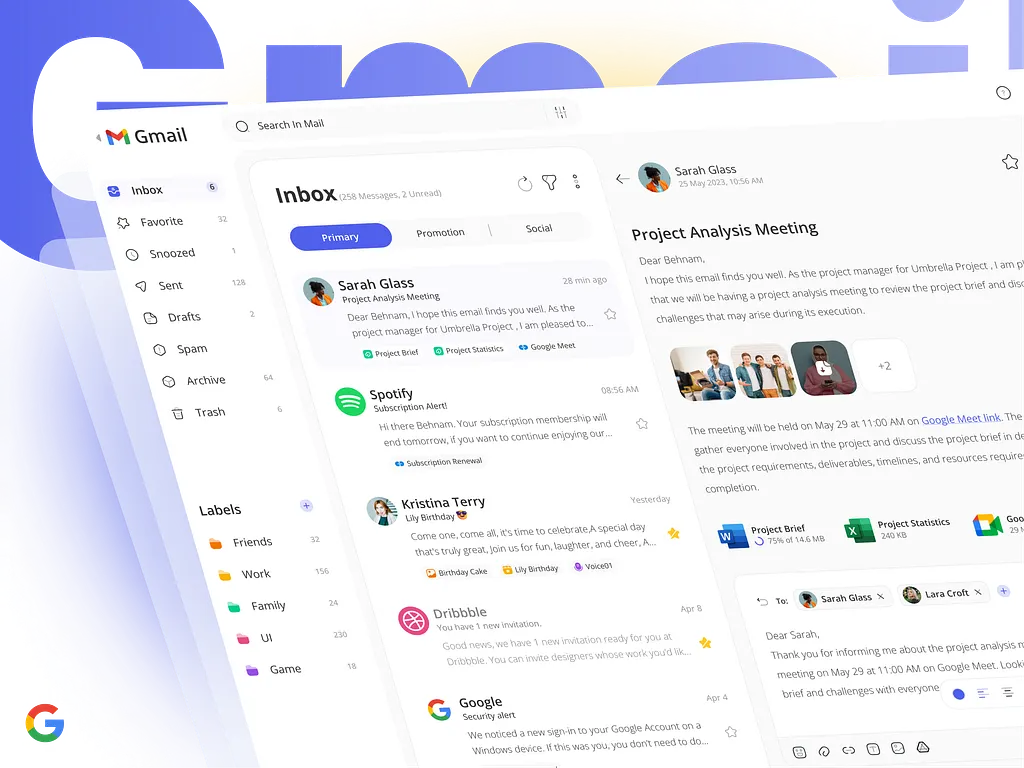
- Send transactional emails (receipts, alerts, notifications) from your custom “no-reply@…” or organization domain.
- Receive inbound replies: store user responses, track email threads per customer or ticket.
- Archiving & search: automatically save sent/received messages and allow full-text search from within Allios.
- Message templates & scheduling: compose once, reuse across tenants, and schedule emails for later dispatch.
- Link to Projects, Clients & Cases: each email is contextually tagged (client, ticket, project) automatically.
Minimum Gmail / Gmail API scopes used
Allios only asks for permissions strictly required for the enabled features. Overly broad scopes are avoided to reduce user risk.
https://www.googleapis.com/auth/gmail.send— send messages on your behalf.https://www.googleapis.com/auth/gmail.modify— read and manage (archive, label) messages you interact with.https://www.googleapis.com/auth/gmail.readonly— view email content in read-only mode (for inbound/display).https://www.googleapis.com/auth/gmail.metadata— access metadata, thread & labels without full message bodies when lightweight access suffices.
How Allios connects your Gmail account
- User clicks “Connect Gmail” in Allios and is redirected to Google's OAuth consent screen.
- User reviews requested Gmail scopes and approves access.
- Allios receives an access token (and refresh token) and stores them securely (encrypted at rest).
- On behalf of the user, Allios can call Gmail APIs to send, receive, list or label messages — but only within granted scopes.
Security & Data Handling
- OAuth tokens (access + refresh) are encrypted in Allios’ backend and not exposed to front-end code.
- All communication with Gmail APIs happens over HTTPS / TLS to prevent interception.
- Allios persists only necessary copies of messages (e.g. for search/index), with retention policies per tenant.
- Users may disconnect Allios from Gmail anytime via their Google Account > Security > Third-party apps.
- Upon disconnect or request, Allios deletes stored email content as per data retention policies.
Productivity & User Benefits
Here are the direct wins your users get when Allios integrates Gmail:
- One unified interface: No need to juggle Gmail tabs and Allios — all communication lives inside your app.
- Contextual mailing: Emails automatically attach to clients, issues or projects, reducing manual linking or tracking.
- Template & scheduling reuse: Teams can save and reuse message templates (e.g. “Welcome”, “Invoice reminder”) across all tenants.
- Automated archiving & search: All sent/received messages are stored and searchable inside Allios, eliminating email hunting.
- Tracking & analytics: Monitor open rates, reply rates, and email volumes per client or project (if your integration supports it).
Revoking Gmail Access / Disconnection
Users remain in full control:
- Go to Google Account → Security > Third-party apps with account access.
- Find Allios in the list and click Remove access.
- Optionally, notify Allios support to request purging of any associated email data stored.
Suggested OAuth Consent Wording
Application name: Allios
Short description (consent screen): “Allow Allios to send, read and manage messages in your Gmail account to streamline communication from within Allios.”
Explanation (scope justification):
- We use
gmail.sendto allow you to send mails from Allios. - We use
gmail.modifyorgmail.readonlyto fetch inbound replies and archive your messages.